Event planners often categorize registrants into categories or types. Within Erbium we call them 'Attendee Types'
The Attendee Type widgets a powerful tool to enable event planners to define and control categories of attendees beyond the default registrant that is applied to all attendees.
In the left menu, the Attendee Type Widget can be identified by this graphic:
To place an Attendee Type widget on a form drag the icon onto the form using your mouse (or finger if using a mobile device)
Once the Attendee Type widget has been placed on a form it appears as below in the form editor:
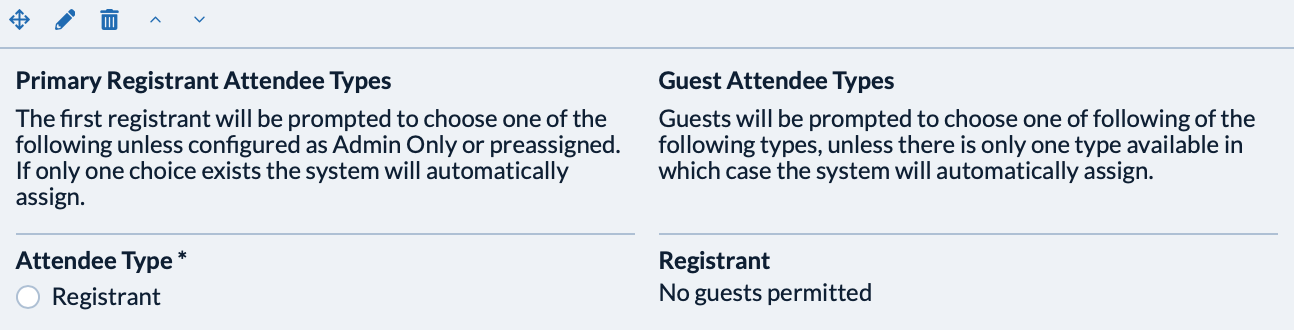
In this state the widget has only one primary attendee type (Registrant) and no guests configured. The widget includes instructions to assist understanding of the configuration. These instructions are not displayed to the registrant.
Once placed on the form the widget can be configured from the left configuration panel by clicking the edit icon.
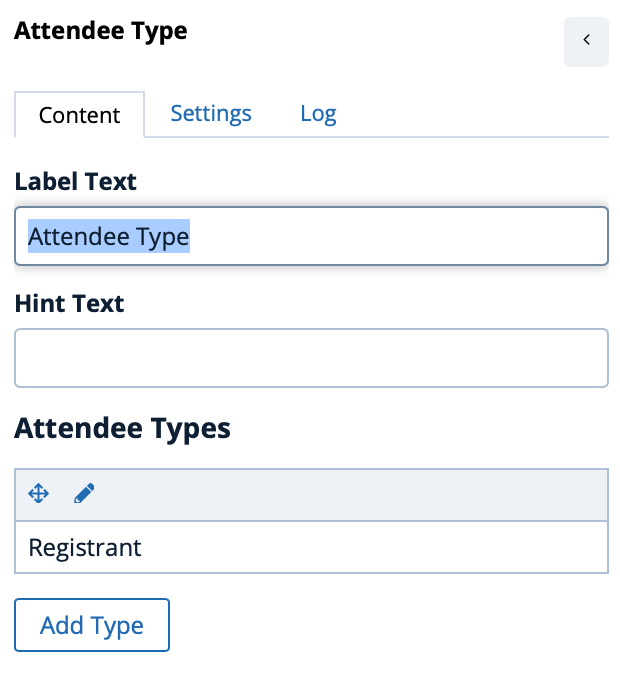
Click 'Add Type' to add additional Attendee Types.
There are two types of Attendee Type:
- Primary Attendees - the type that can be selected or assigned to the first registrant in the folio.
- Guest Attendees - the type that can be selected beyond the first attendee types.
Click here to review examples of Attendee Type configuration for a variety of registration planning scenarios.
Comments
0 comments
Article is closed for comments.