Sometimes when presenting a list of options in a Selection Input Widget you may need to allow reposndents to provide a different response from the choices offered.
For Example:
Respondents are asked to indicate their favorite color from a list including Red, Green or Blue.
A Selection Input widget of Radio Button Layout is created with three choices:
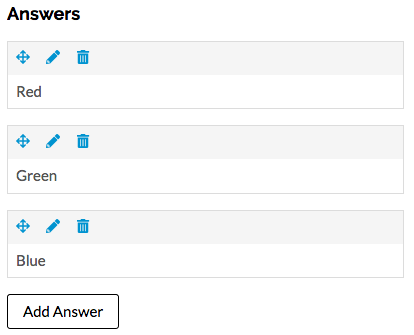
The Selection Input Widget appears on the Form Editor as:
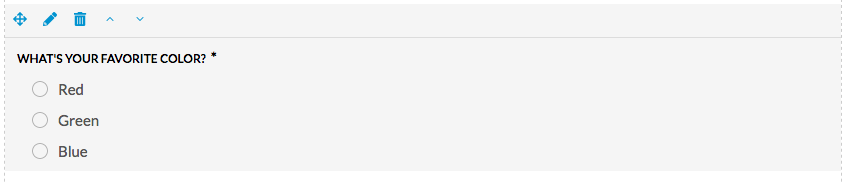
This appears on the actual live form as:

If you want to provide the registrant with the opportunity to specify an answer different from the choices provided you must create a fourth choice, in this example named, "Other (please specify)" which requires that the user provide their response.
Follow these steps:
a) In the Content tab of the Selection Input Widget click "Add Answer" and specify the Answer name e.g. "Other (please specify)", and
a) slide the Additional Text Input to ON, and
b) slide the Input Required to ON
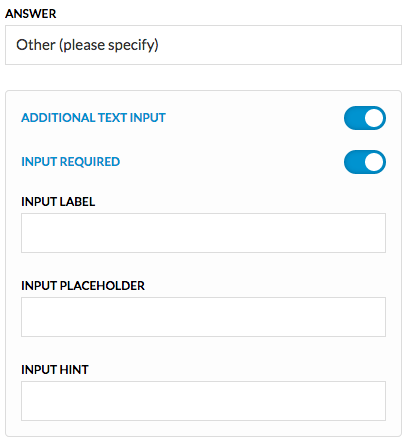
Now the Selection Input Widget will appear on the Form Editor as:
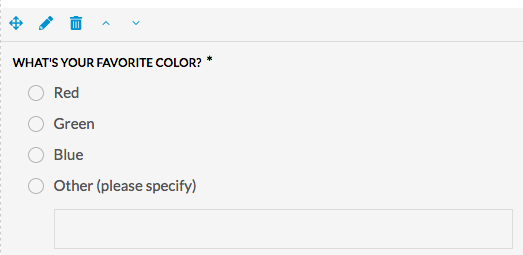
The Selection Input Widget now provides the fourth option to the respondent and appears on the actual live form as:
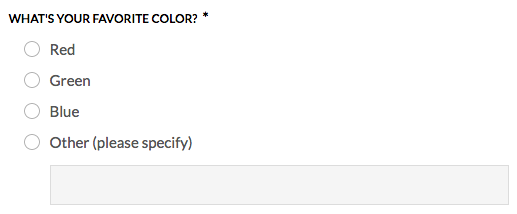
Anyone selecting "Other (please specify" will be forced to complete the additional input field.
Comments
0 comments
Article is closed for comments.