After participants register for an event that requires collection of fees by credit card it may be necessary to refund the participant. Credit card refunds can be easily processed through the platform subject to certain conditions:
- Refunds can only be applied to the same credit cards that were originally charged.
- Refunds cannot exceed the amount of the original charge.
Processing a Refund
- From the action menu on an individual record navigate to "Process Refund"

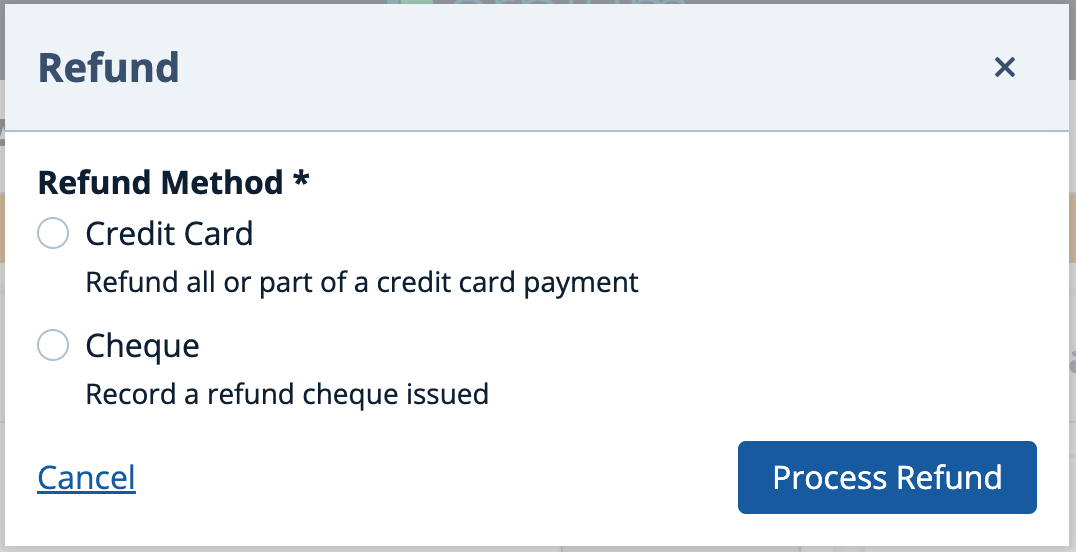
- If your event has more than one payment method configured, select the method of refund as Credit Card. This step will not apply if there are only credit card payments.
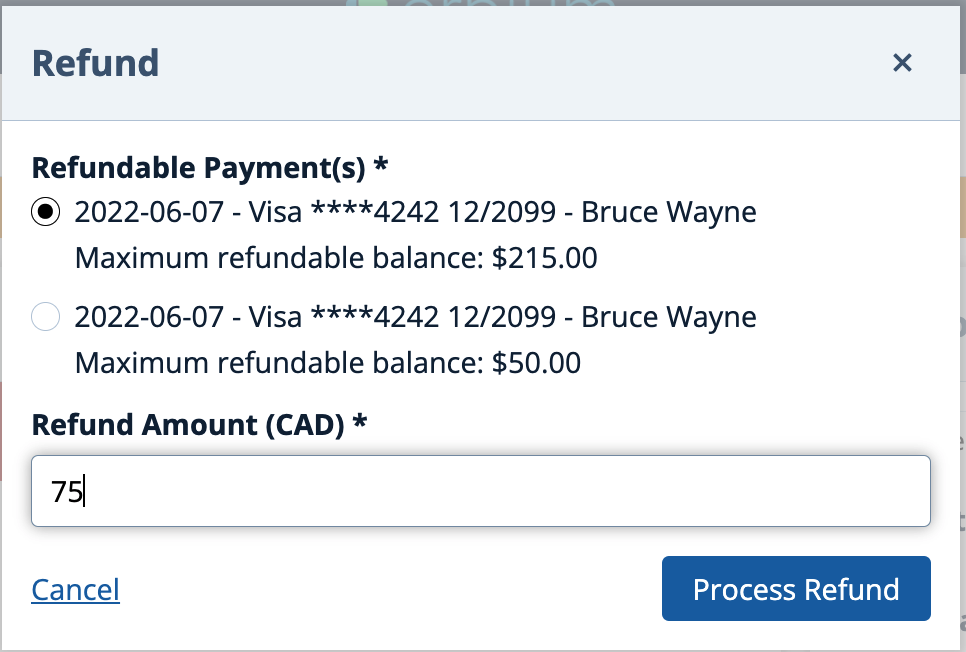
- Specify the original charge to be partially or fully refunded, the amount of the refund and press "Process Refund" to continue.
- The refund will be immediately and securely processed to the gateway configured for the event. You will see the refund displayed on the client Statement:

Notes:
If the original card has expired or been deactivated you will need to make alternative arrangements with the your participant.
Comments
0 comments
Article is closed for comments.