Meeting fees are often discounted to encourage attendees to register before one or more "early bird dates". The Erbium platform can be configured to automatically recognize the early registration and discount the fees accordingly.
The following steps illustrate how to create an "Early Bird" discount
- First configure the event with "Base Fees" for all selectable items. Base fees are the non-discounted fees that apply to items selected during registration.
- Navigate to the "Details and Options" page of the "Setup" menu
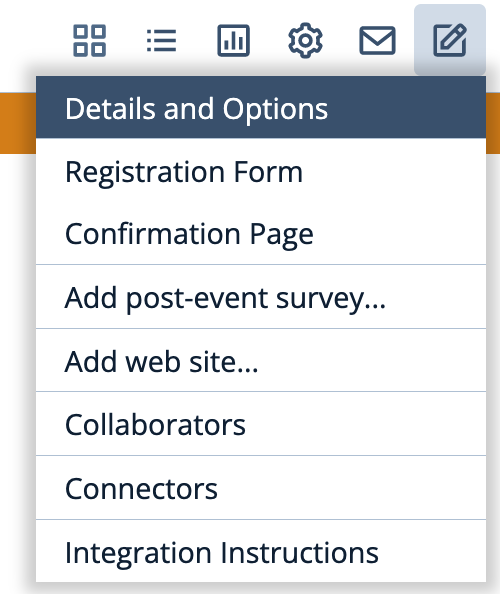
- In the "Discounts" section click "Add Discount":
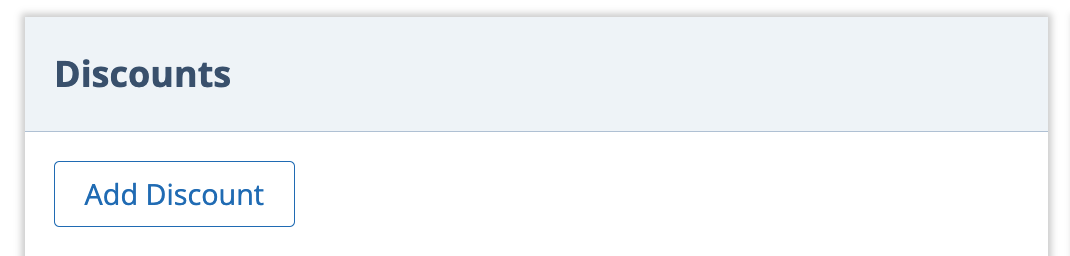
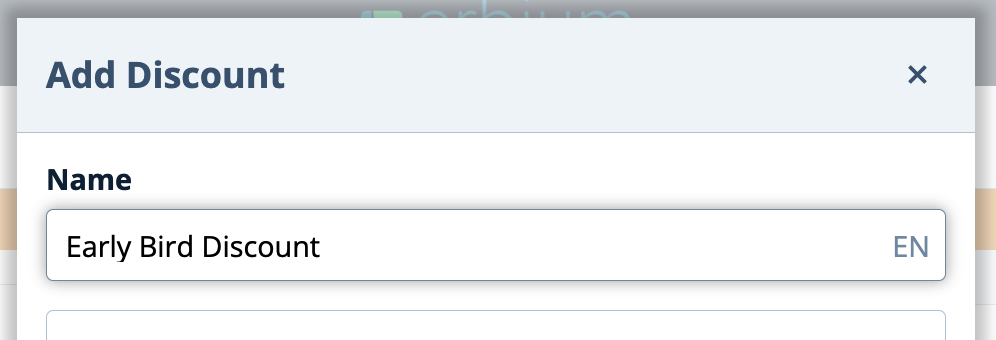
- Configure the new discount:
- Define a name for the discount, for example, "Early Bird Discount"
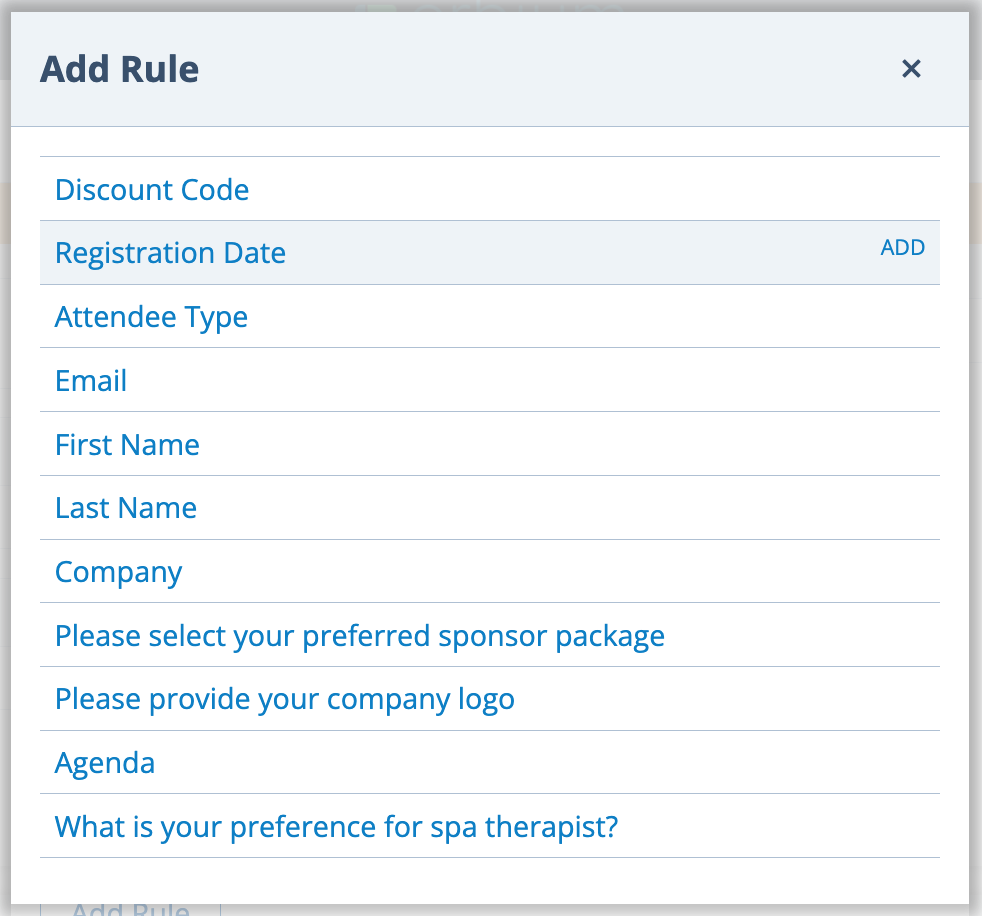
- Since, in the case of early bird discounts, the rule is that the "Registration Date" must occurs before the early bird deadline, select "Registration Date" as the rule:
- Define the criteria for the registration date that will trigger the discount:
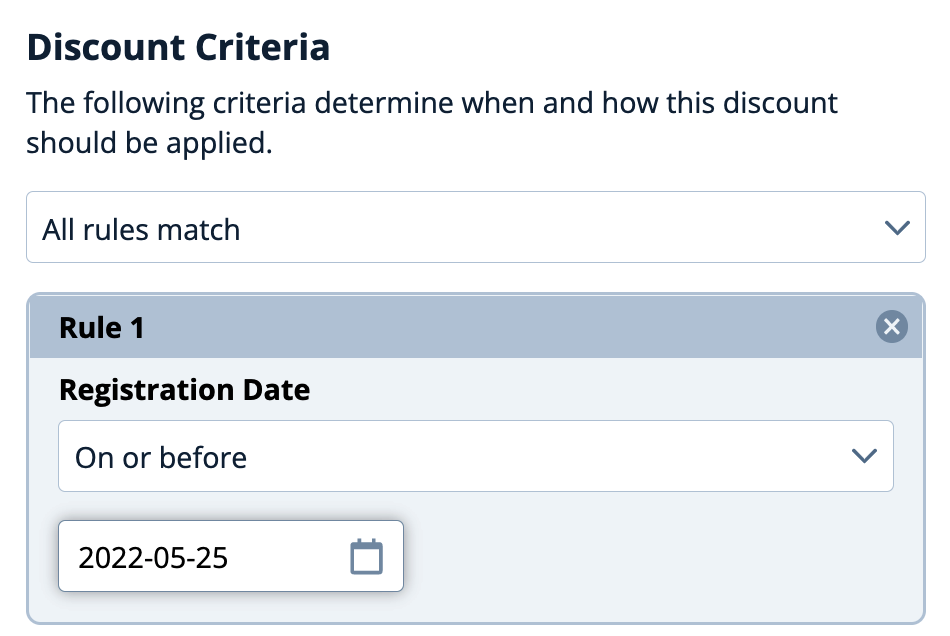
In this example the Early Bird deadline is midnight on 25 May 2022 - any registrations that start before midnight on 25 May 2022 will be eligible for the early bird discount.
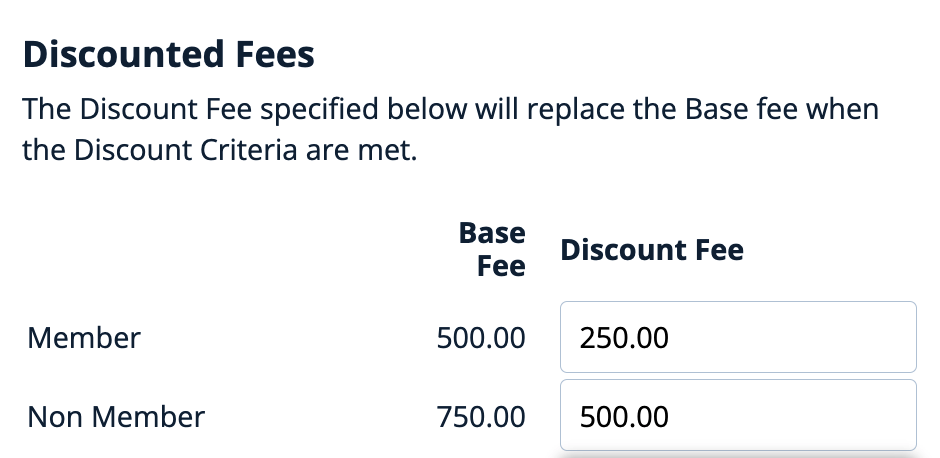
(Note: The midnight deadline is based upon the time zone of the event configured on the Details and Options page) - Define the discounted early bird price for each item
- Save the discount by clicking "Add Discount"
- Define a name for the discount, for example, "Early Bird Discount"
Comments
0 comments
Article is closed for comments.