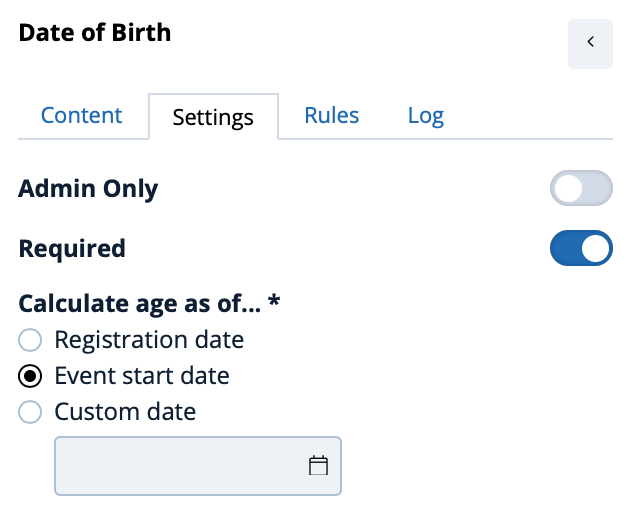
The Date of Birth widget prompts a respondent to provide their date of birth and automatically calculate their age at one of two important dates:
- The date of registration
- A custom date
- The start date of the event (events only)
In the left menu, the Likert Scale Widget can be identified by this graphic:
To place a Date of Birth widget on a form drag the icon onto the form using your mouse (or finger if using a mobile device)
Once the Date of Birth widget has been placed on a form it appears as below in the form editor:

Click the edit icon (  )to configure the Date of Birth widget from the left configuration panel.
Once in place the Date of Birth can be used within rules to configure other widgets on the registration form. For example, if a respondent is less than 18 years old perhaps different questions appear on a form compared to a respondent greater than 18 years old.
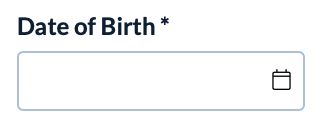
On a live form the Date of Birth widget appears as below:
Comments
0 comments
Article is closed for comments.