The Split Widget is a layout element that is used to create two columns which each can contain one or more widgets in a logical collection.
In the left menu, the Split Widget can be identified by this graphic:
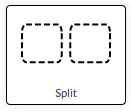
To place a Split Widget on a form drag the icon onto the form using your mouse (or finger if using a mobile device)
Once the Split Widget has been placed on a form it appears as below in the form editor - including formatting controls:
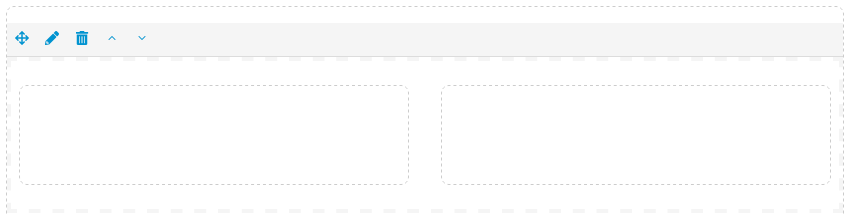
Since the Split Widget is a layout widget it is not visible to the user but any Widgets placed inside the Split Widget remain visible.
The ratio of left to right column width can be set on the Settings tab:

| Ratio | Left Column | Right Column | |
| 1:3 | 25% | 75% | |
| 1:2 | 33% | 67% | |
| 1:1 | 50% | 50% | |
| 2:1 | 67% | 33% | |
| 3:1 | 75% | 25% |
To place Widgets inside a column, drag the Widget from the left Widget Palette into the desired column of the Split Widget.
Split Widgets can be configured with Rules to control visibility. Any Widgets contained within the Split Widget will be subject to the Rules placed on the Split Widget.
Comments
0 comments
Article is closed for comments.