The Date Widget is synonymous with an HTML Input field but is used specifically to collect a date.
In the left menu, the Date Widget can be identified by this graphic:
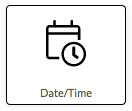
To place a Date Widget on a form drag the icon onto the form using your mouse (or finger if using a mobile device)
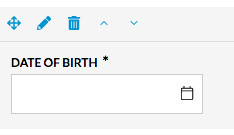
Once the Date Widget has been placed on a form it appears as below in the editor - including formatting controls:
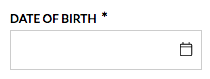
On a live form the formatting controls are hidden and the Date Widget appears as below:
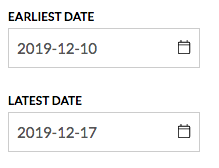
Date Widgets can be configured with an earliest and/or latest date to provide boundaries for responses. These boundaries can be set from the Settings tab.
Comments
0 comments
Article is closed for comments.