The Input widget is synonymous with an HTML Input field. It is used to capture short amounts of information such as names, addresses and other responses that don't require extended amounts of response.
In the left menu, the Input Widget can be identified by this graphic:
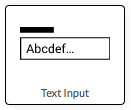
To place an Input widget on a form drag the icon onto the form using your mouse (or finger if using a mobile device)
Once the input widget has been placed on a form it appears as below in the form editor - including formatting controls:
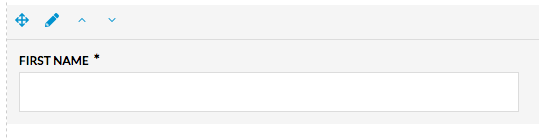
Click the edit icon (  ) to configure the widget can be configured in the left configuration panel.
On a live form the formatting controls are hidden and the Widget appears as below:

Comments
0 comments
Article is closed for comments.