Often it is important to review what changes have been made to components of pages, forms, email templates etc,
The audit history of changes can be accessed from different places depending on the context=:
Change history for Widgets
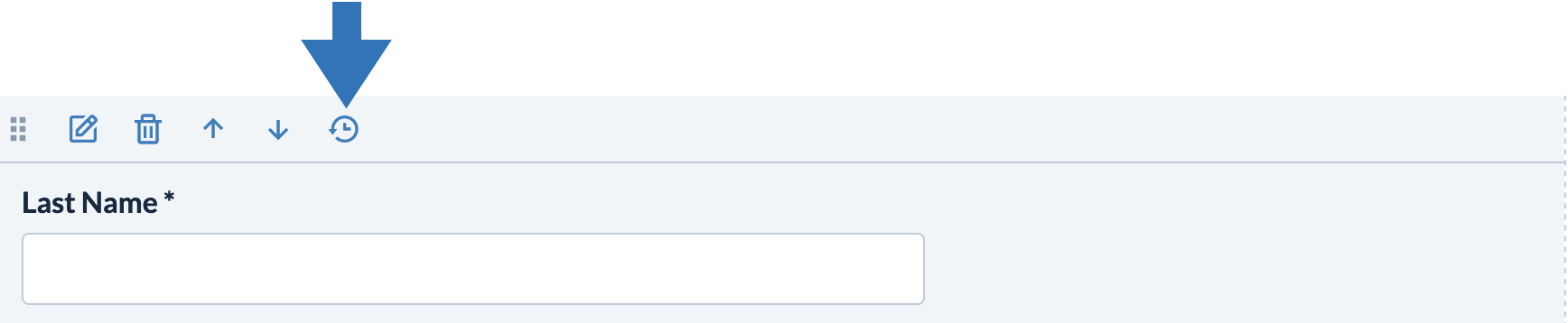
Click the 'history' icon on the action bar for each widget placed on a form, website or email template:
Change history for Build and Design
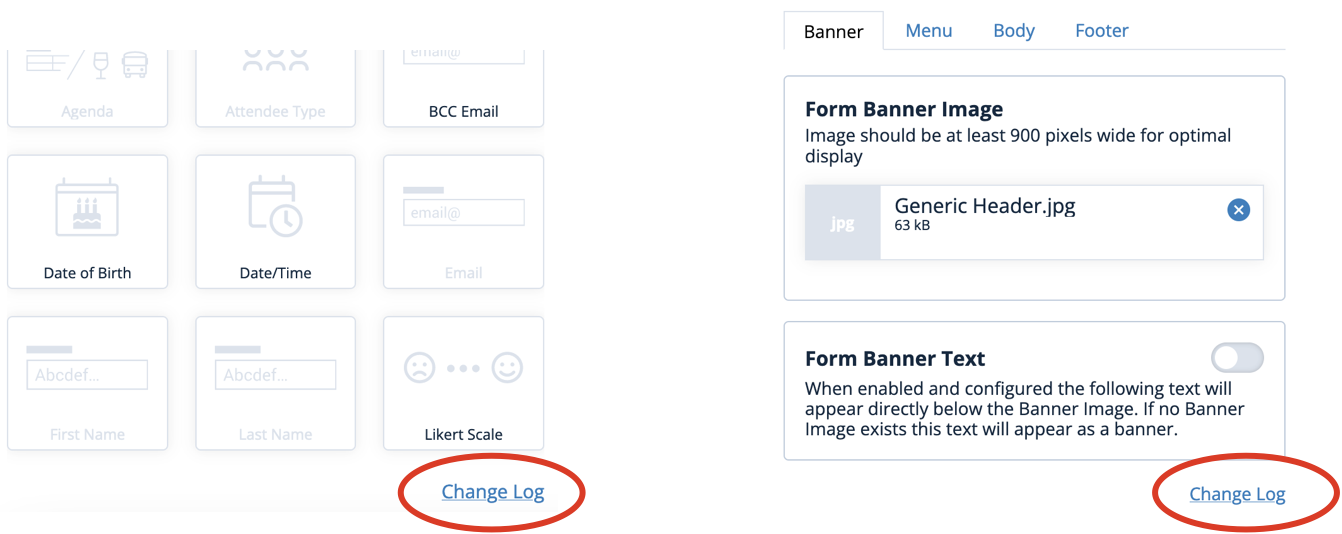
Click "Change Log" at bottom right of either the Build or the Design tab:
Change history for Details and Options
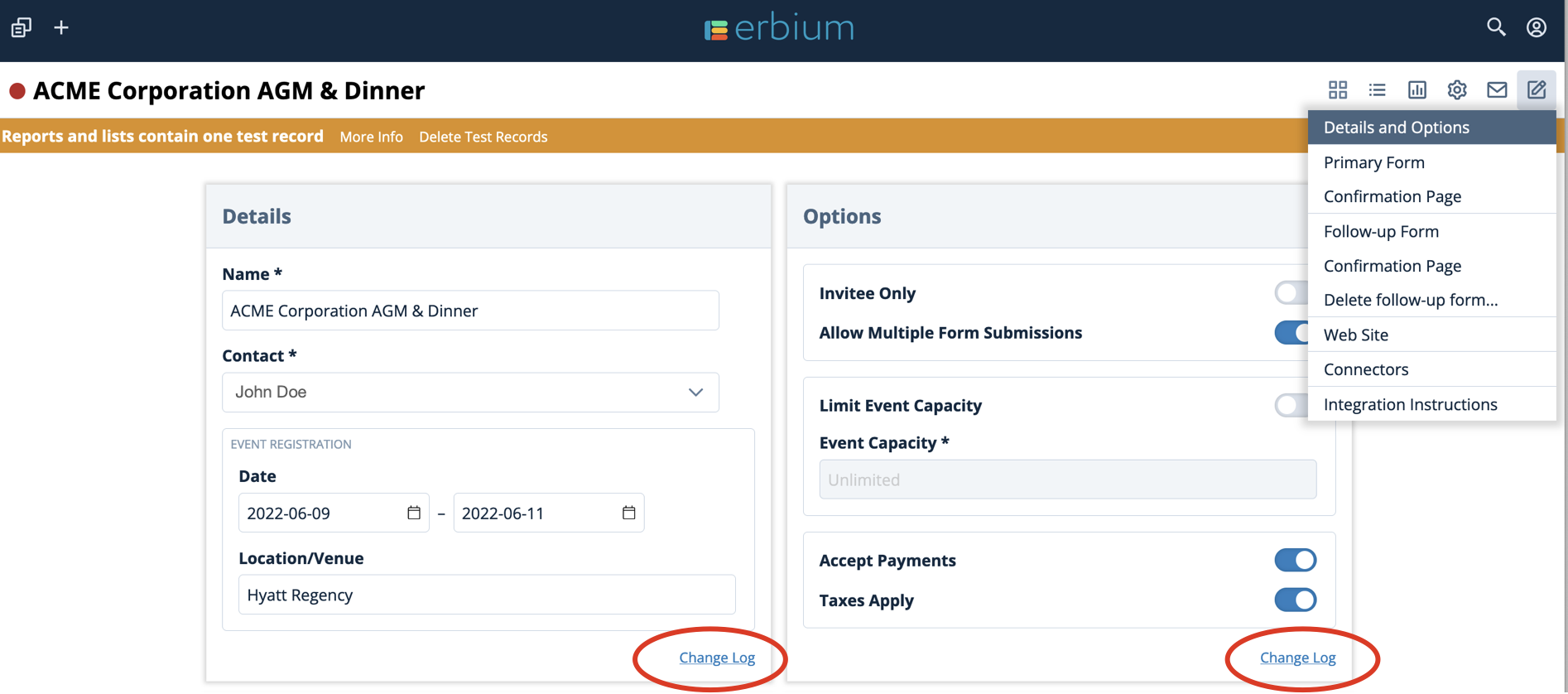
Click "Change Log" at bottom right of configuration panels:
Comments
0 comments
Article is closed for comments.