Follow these steps to easily export all data collected to a familiar spreadsheet format:
1. Navigate to your desired list of data records.
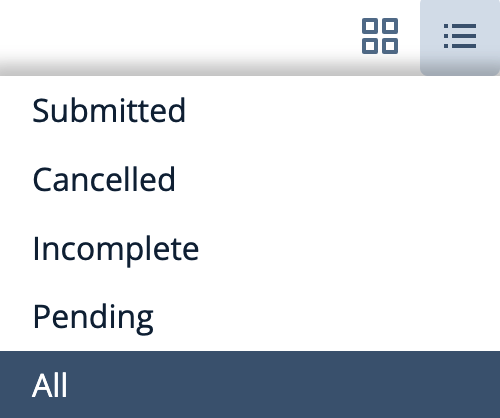
Using reports, pre-determined lists or custom filters, create a list of data records that you wish to export to a spreadsheet. For example, to export ALL records for an event including registered and non registered select the 'All' list from the List menu.
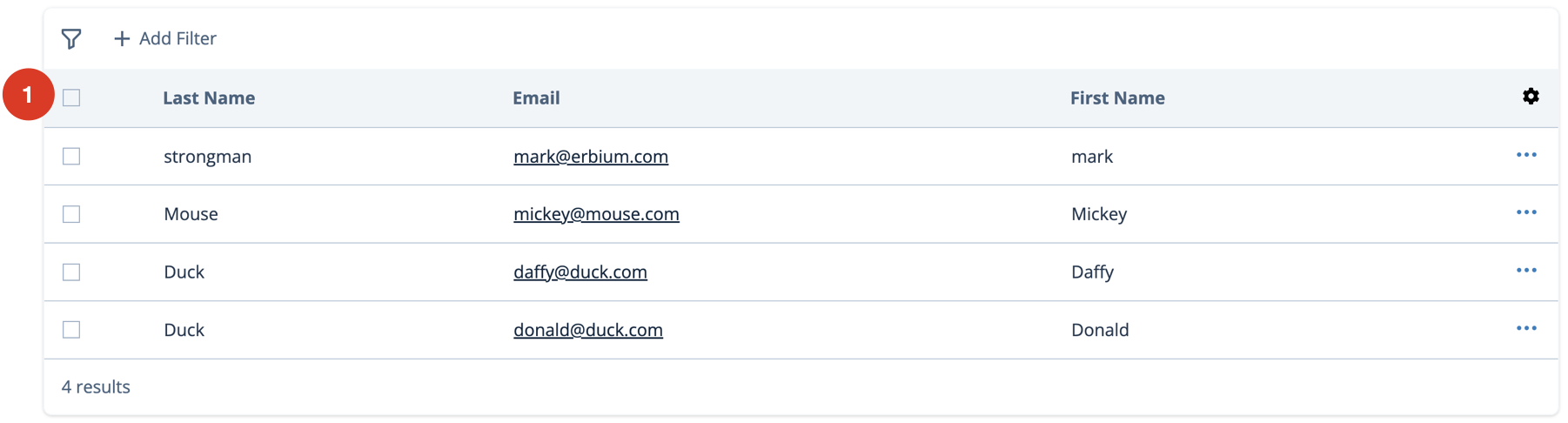
2. Select the data records you wish to export.
To select all the records check the box at the top of the left hand checkbox column. Alternatively select individual records. See #1 in the diagram below.
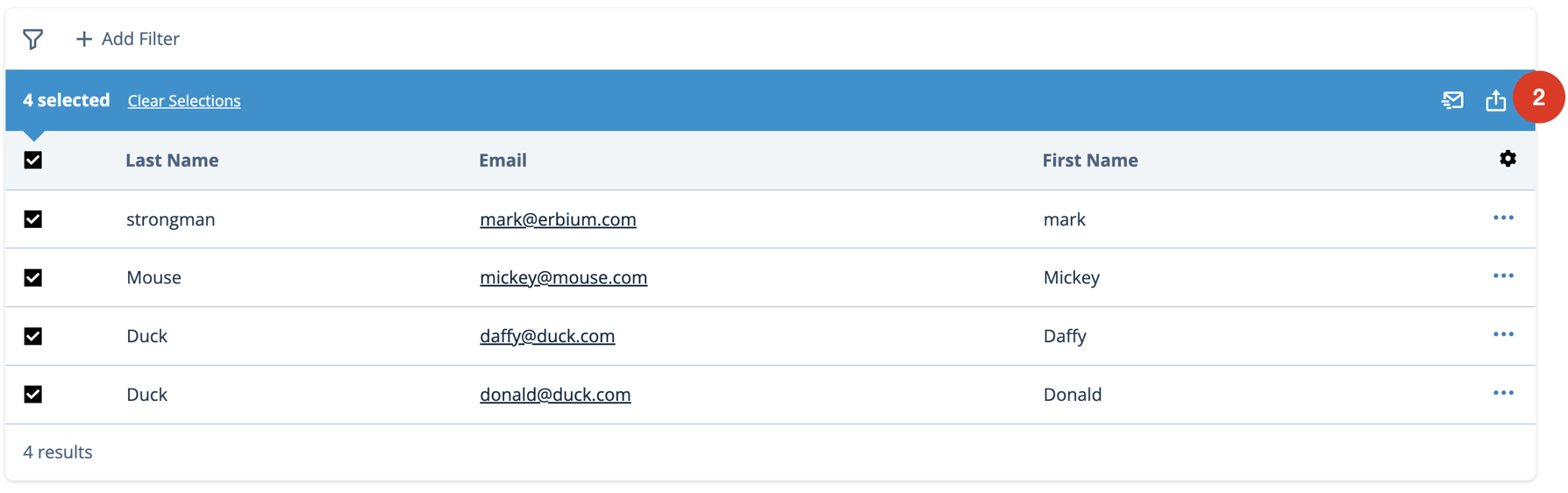
3. Export the data using the bulk action menu
Select 'Export'  in the bulk action menu. See #2 in the diagram below.
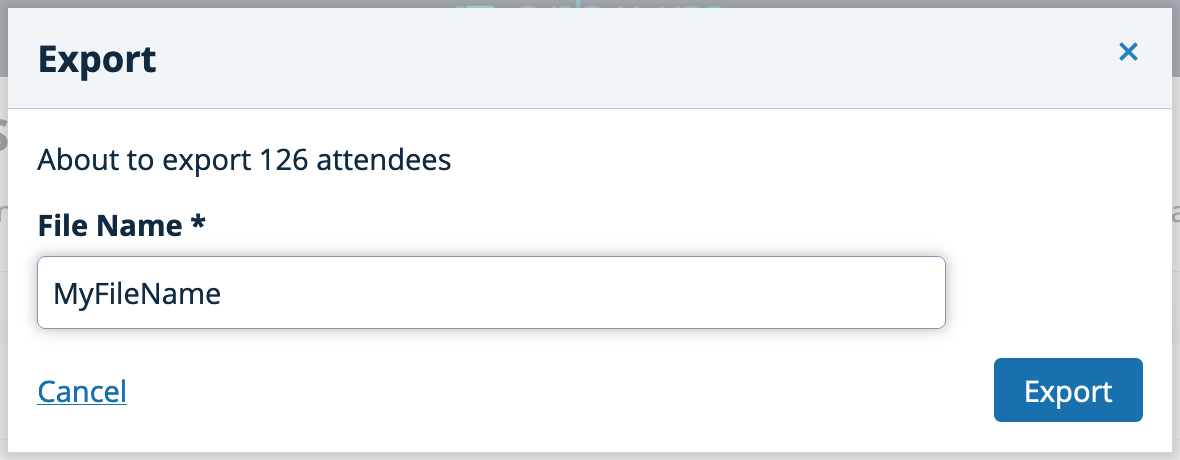
4. Save the exported data
Create a file name for your data and click 'Export'
Comments
0 comments
Article is closed for comments.