Combining rules and Groups further enhance your ability to create powerful forms with dynamic content without the need for multiple, duplicated rules.
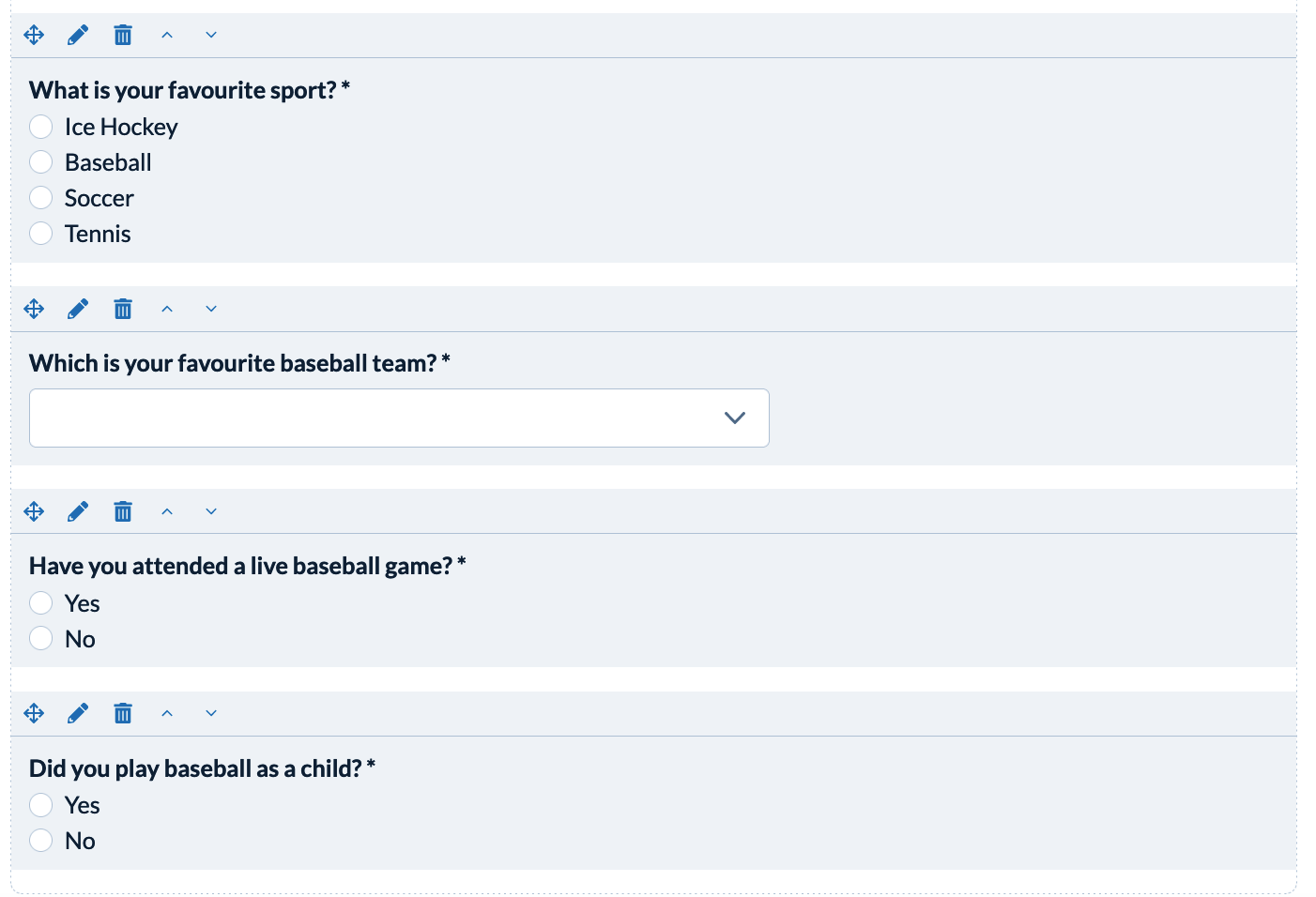
For this example imagine you have a single question and content and/or a number of follow-on questions that should be displayed based upon a single answer to that question. Imagine the original question asks:
- "What is your Favourite Sport?"
Then, if the answer is "Baseball" three follow-on questions should be displayed:
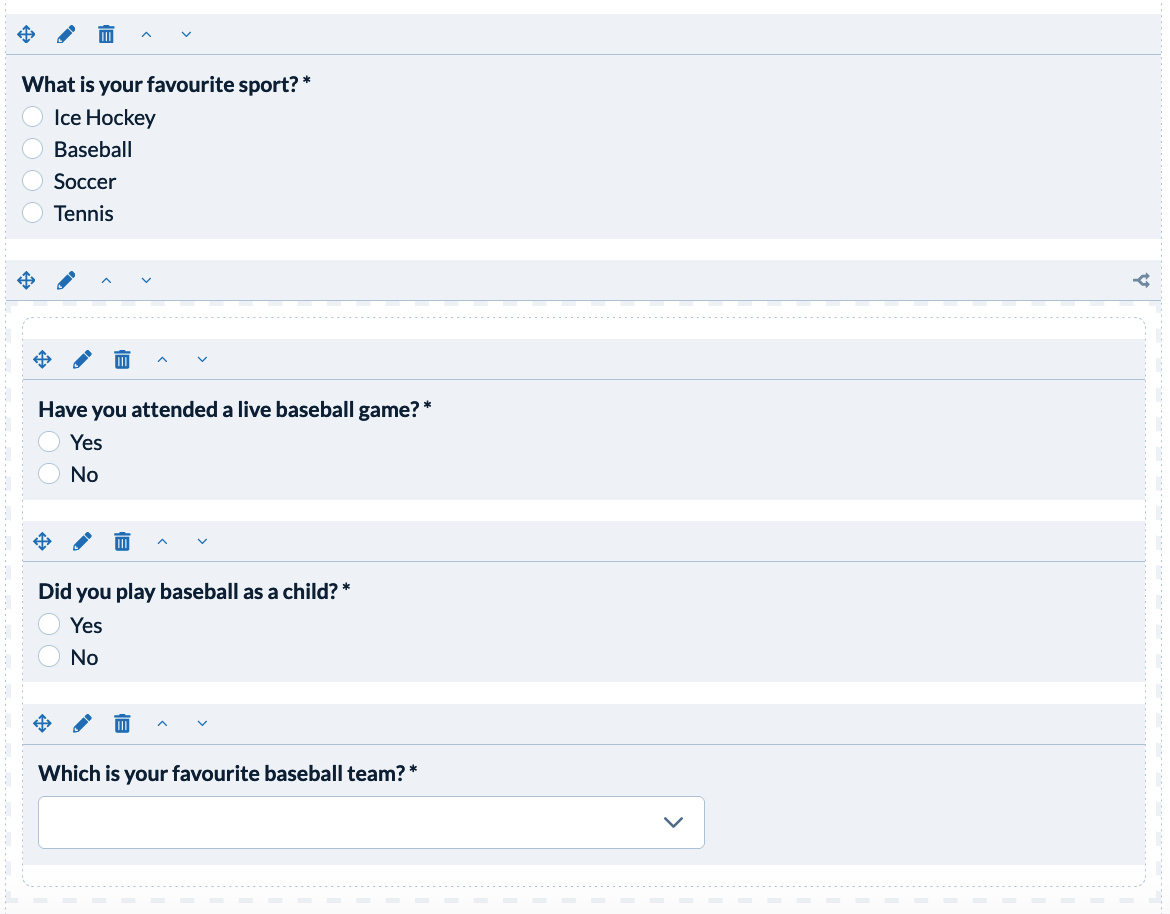
- "Which is your favourite baseball team?"
- "Have you attended a live baseball game?"
- "Did you play baseball as a child?"
Rather than add rules to each of these follow-on questions it is more efficient to place these questions inside a group that has a rule to dictate whether the Group and it's contents' is displayed.
Follow these simple steps:
First, add all the questions to the form:
Next, add a group to the form:
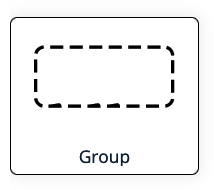
- Select the 'Group' widget from the left panel and drag it onto the form to the position you would like the questions to appear if they meet the criteria. In this example we will place the group just beneath the "What is your favourite sport?" question.
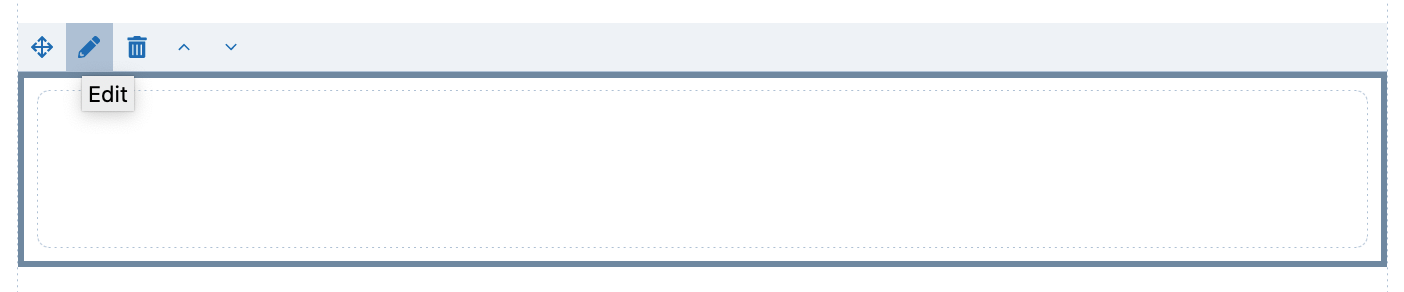
- Add a Rule to the Group to instruct when the Group should be visible. In this example, when the user selects Baseball as their favourite sport. Begin by clicking on the edit icon of the group and choosing the Rule tab on the left menu and clicking 'Add a Rule"
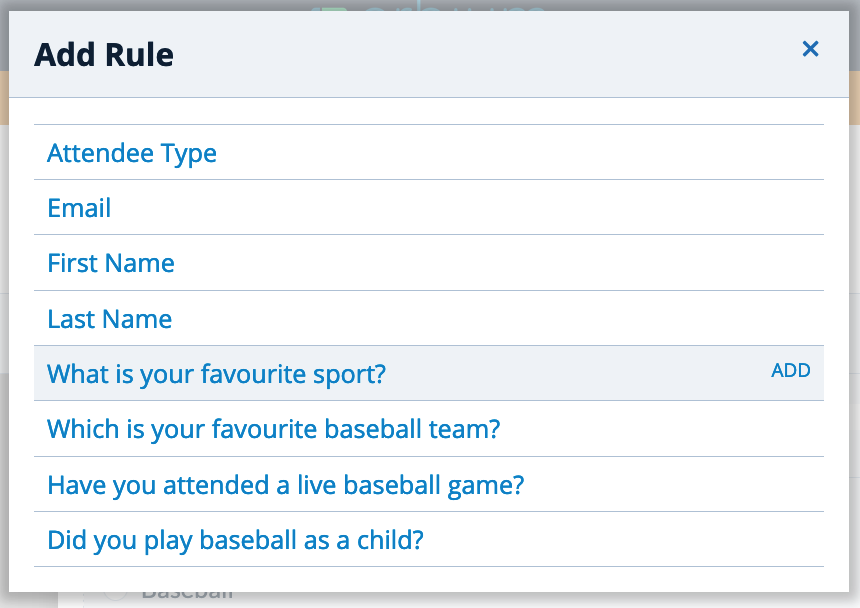
- To add the Rule, select the question that will help determine whether the follow-on question is displayed. In this example "What is your favourite sport?"
- Define the answers that will prompt the Group to be displayed. in this example, selecting 'Baseball' will prompt the Group to be displayed.
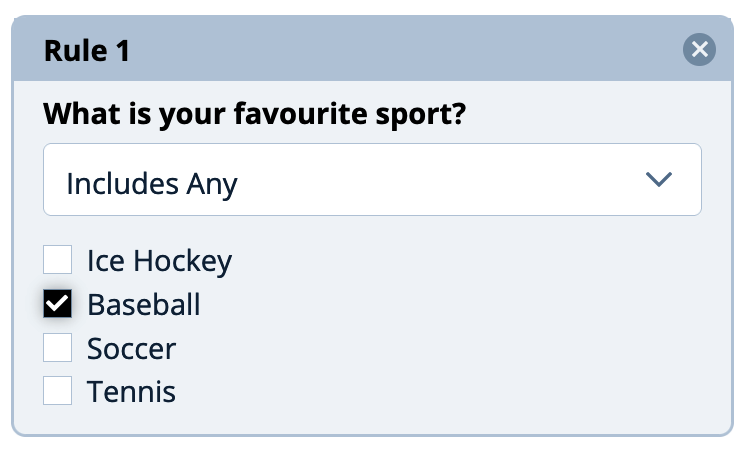
- You will see an icon displayed on the Group widget indicating one or more Rules apply

Finally, move questions into the Group.
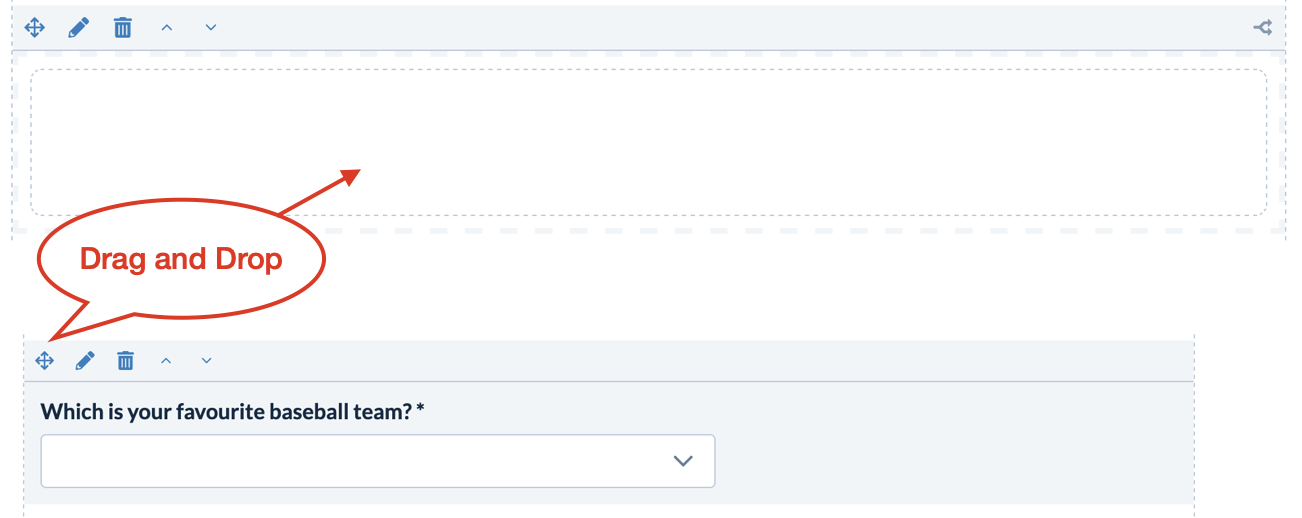
- Place questions inside the group that should only be displayed if the group criteria is matched. Use the "Drag and Drop" icon to move the questions.
- Your newly configured combination of question and Group widget should appear as below:
Related Help Topics
Use Rules To Create Dynamic Content
Comments
0 comments
Article is closed for comments.