Working with another meeting planner to produce or create something special? Erbium's collaboration feature enables planners from different companies to work together on the same event registration experience. All it requires is that each planner have a current Erbium subscription.
What can a collaborator do?
Once added, a collaborator has the same access to your event as you and can undertake all the actions that you can. The only thing a collaborator cannot do is add other collaborators.
How do I add a collaborator to my event?
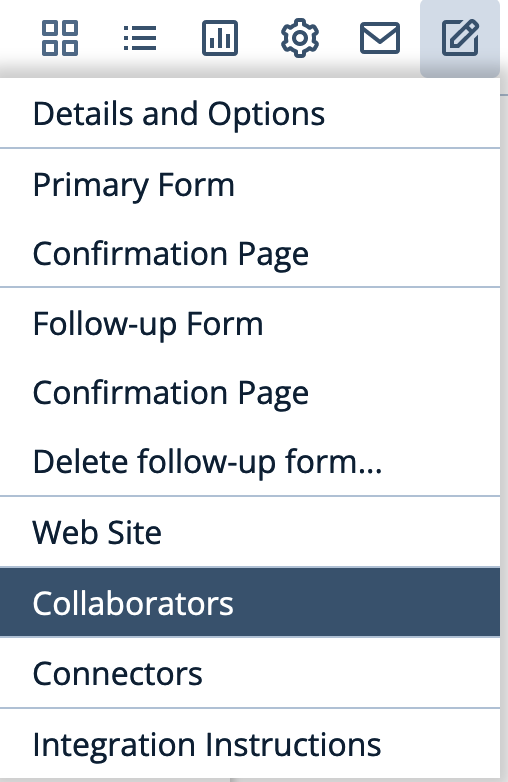
- Under the Setup menu for your event select "Collaborators"
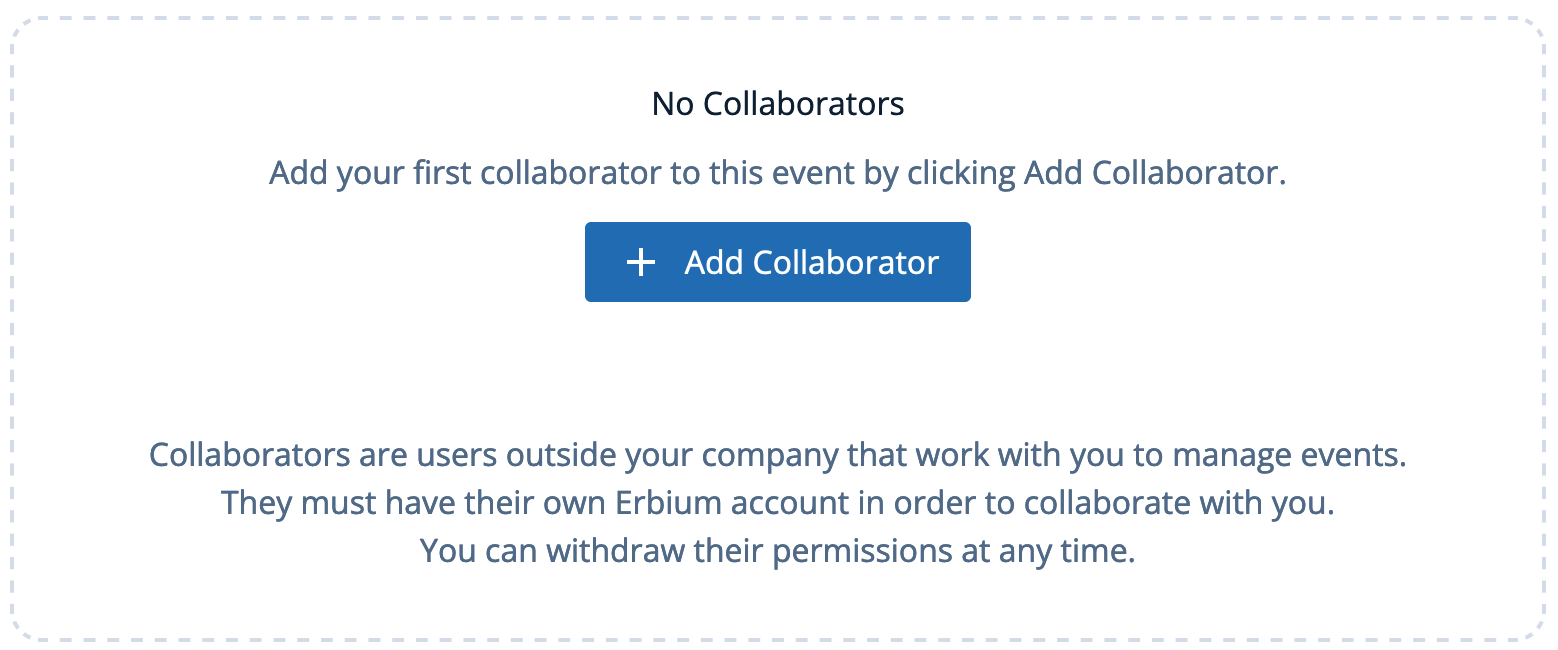
- Click 'Add Collaborator'
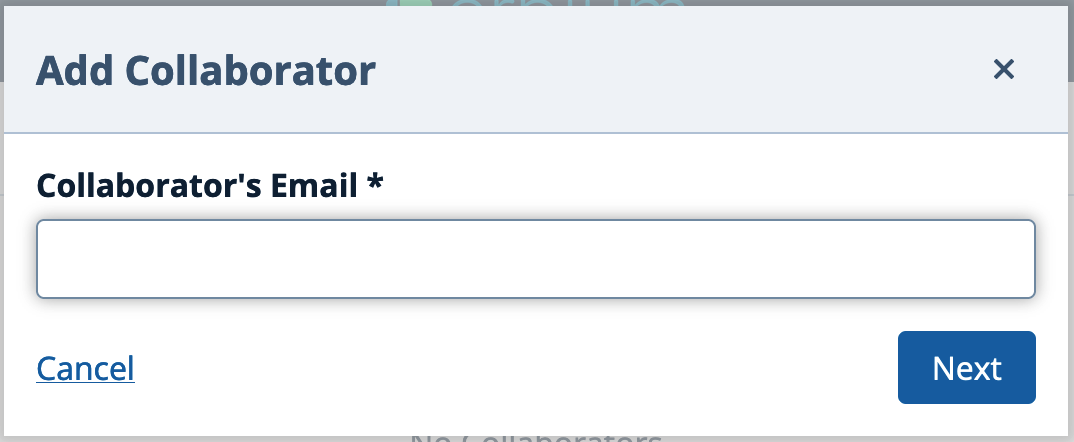
- Enter the email address of your collaborator. The system will check to ensure the collaborator has a current Erbium subscription.
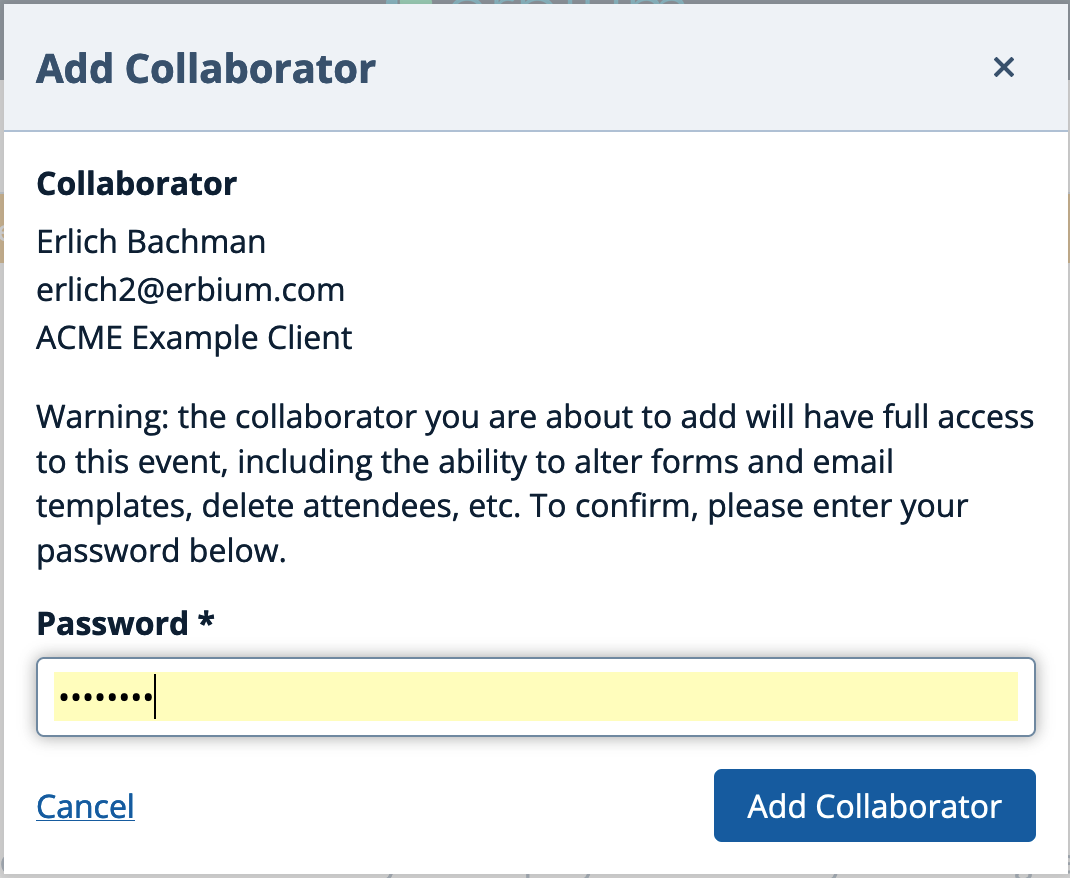
- Review the details of the collaborator and enter your password to confirm that you understand that collaborators have full access to the event.
- Once added to your event your collaborators will see your event in their event list and will be able to manage the event. Their actions will be logged as any other user actions.
Comments
0 comments
Article is closed for comments.