Sometimes it is important for registrants to agree to certain mandatory agreements or terms in order to attend an event. These agreements require that the registrant agree to the terms of the condition in order to complete registration for the event - and conversely, prevent completion of registration if the registrant does not agree.
An example of a mandatory agreement:
Currently, public health organizations around the world are enforcing mandatory conditions for in-person events. Event planners can use mandatory agreements to ensure attendees agree to adhere to public health directives applicable to an event. If the registrant does not agree to the mandatory terms, they will not be able to successfully register.
Other examples include non-disclosure clauses, photographic publication clauses, list publication agreements, social media publication.
How to configure an Erbium form for mandatory agreement
Step 1 - Illustrate the Terms using a Text Widget
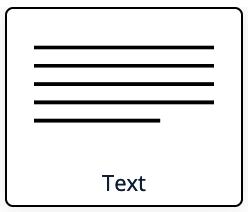
- Place a Text Widget on the form. The Text Widget can be found in the widget palette.
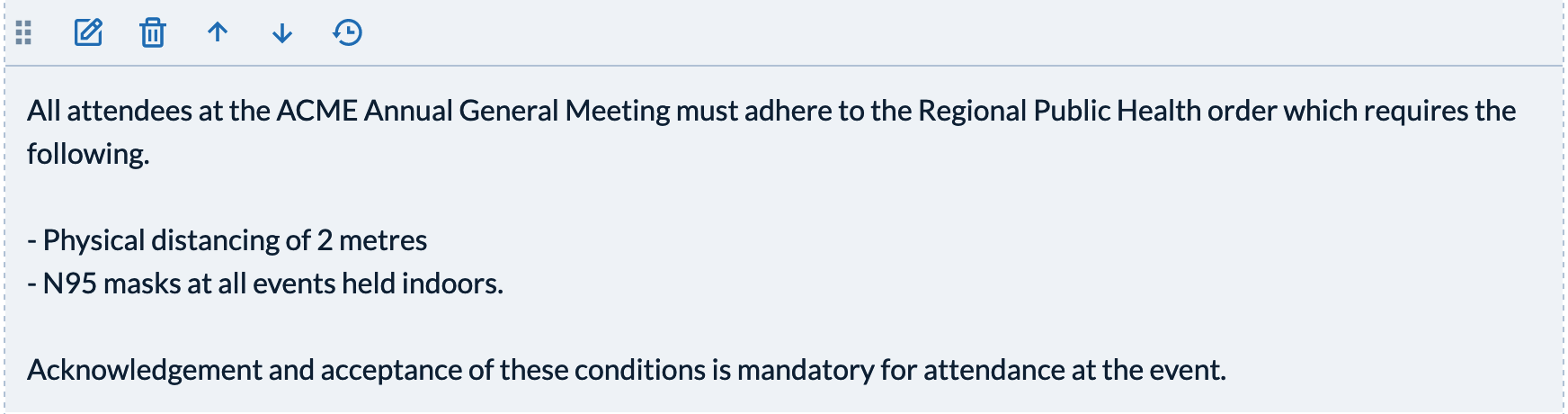
- Configure the Text Widget to include the wording for your mandatory condition. An example of a public health condition:
Step 2 - Ask the registrant to agree to the terms
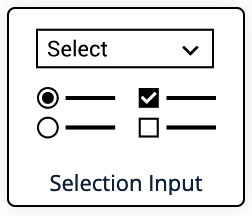
- Beneath the text widget configured in Step 1 place a Selection Widget.
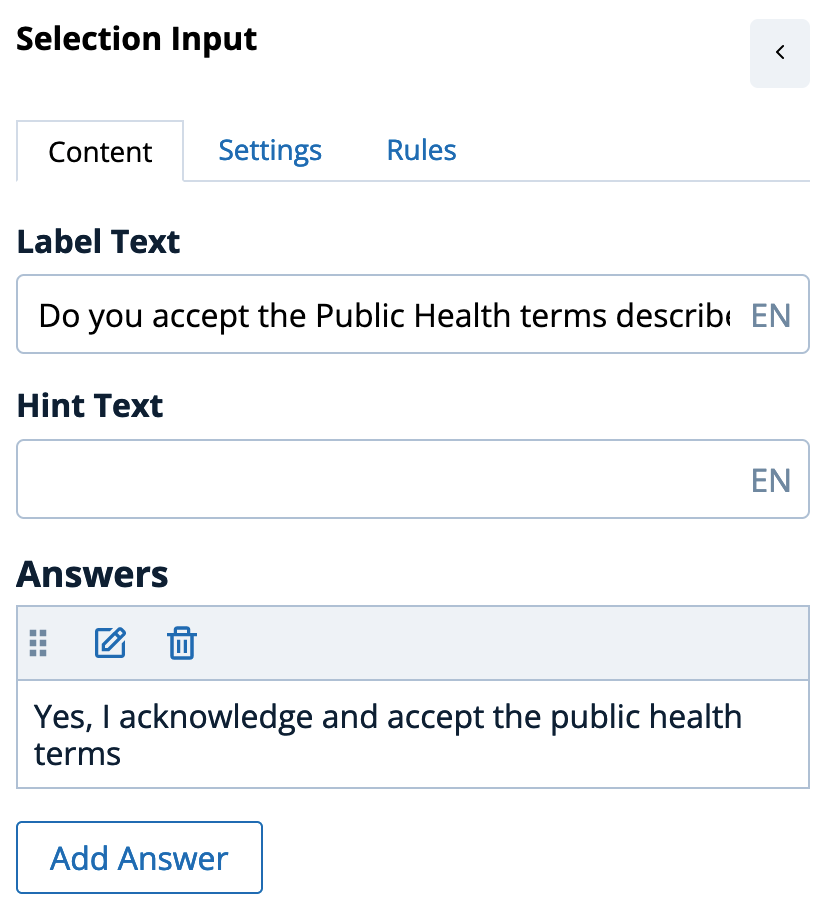
- Edit the Content tab of the Selection Widget in the following manner:
- Configure the Label to ask the registrant if they accept the terms and conditions described in the Text Widget. In this case "Do you accept the Public Health terms described above?"
- Remove all the possible answers except one and configure the remaining answer to the mandatory affirmative response, in this case "Yes, I acknowledge and accept the public health terms"
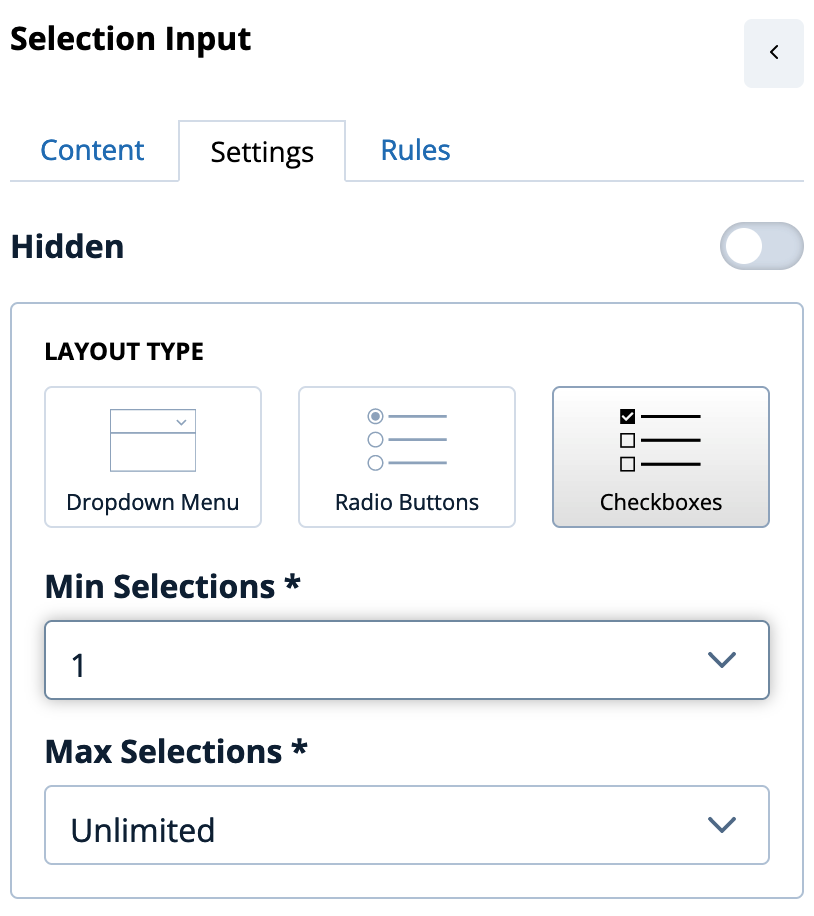
- On the Settings tab select 'Checkbox' as the Layout Type and set the Minimum Selections to one. This will ensure that the user MUST select the single answer agreeing to the condition.
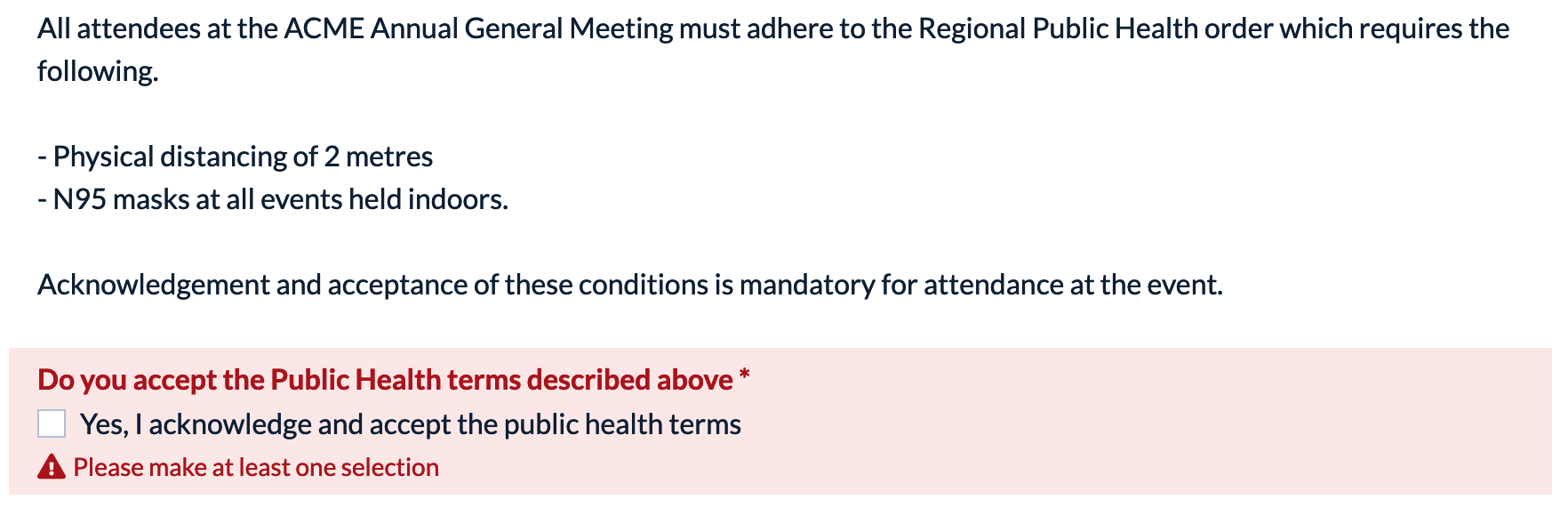
- Once configured the form will illustrate the terms and the agreement together - and include an error message preventing registration unless checked:
Comments
0 comments
Article is closed for comments.